
Every service manager understands this moment—the phone rings during write-up, the advisor has two customers at the counter, and a brake job walks out the door because nobody could book the appointment. Meanwhile, the technician found worn pads and a tread-depth issue, but the advisor only got a line in the MPI and a vague note. The customer hears “your brakes are getting low,” shrugs, and says they’ll think about it.
Those are two different leaks in the same service lane. Service AI and Service Scheduler AI close both on one unified platform, Automotive Retail Cloud (ARC), so the call, the inspection, and the approval all work from the same record.
Where the Work Starts
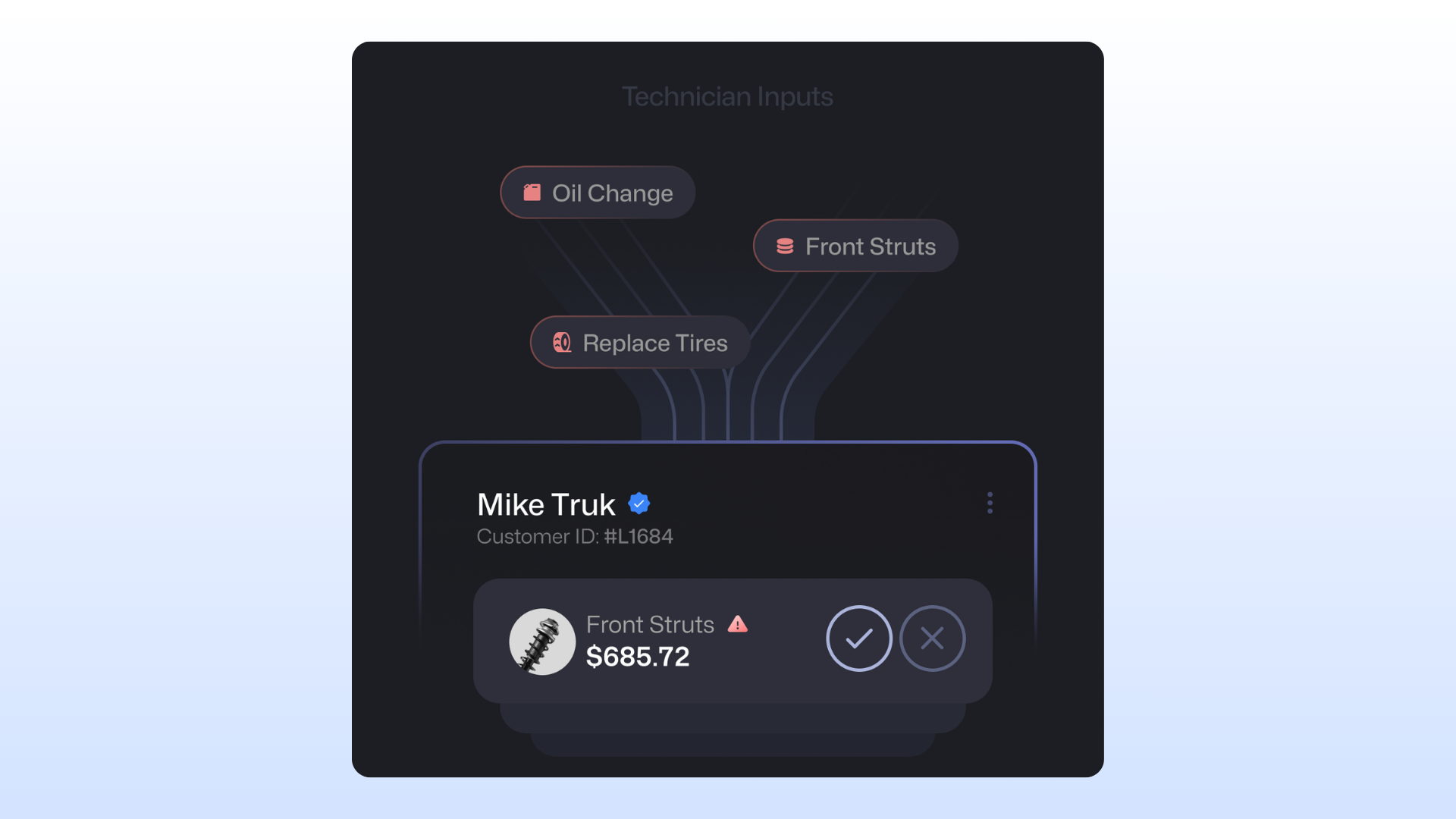
It starts with the technician—Service AI’s technician agentic workflow captures evidence without adding paperwork. The technician records a short, narrated walkaround on any ARC-connected device, the same walk they already do. The video is transcribed, and findings populate the matching MPI fields, including spoken measurements like a tread depth reading. AI ties each finding to the exact moment in the video, and the whole pipeline runs in under 90 seconds. The tech reviews every field before submitting anything, and the original narration is kept for warranty and audit.
The result is an inspection the advisor can trust, built from the footage of the customer’s own vehicle.
Turning Findings Into Recommendations
Service AI’s advisor agentic workflow rewrites each finding in plain, professional language that explains what’s wrong, what happens if the customer waits, and why it matters now. Mileage since the last decline and MPI measurements are embedded automatically. Recommendations are ordered by predicted approval likelihood and safety priority, so the most important work leads.
The advisor reviews every draft and keeps full control of the order. Nothing reaches the customer without advisor sign-off. Top performers have always communicated this way, and now every advisor can, regardless of tenure.
Getting the Customer to Approve
The customer receives a Vehicle Health Summary and the technician’s clip from their own vehicle through the Consumer Portal, then easily approves from their phone or laptop. The recommendation stops feeling like a generic upsell and starts looking like proof.
What It Means for the Business
Every recommendation an advisor presents is a chance to grow the RO, and Service AI is built to make each one count. At full utilization, the workflow is designed to lift recommendation revenue per RO. Advisors present more of the work they find, close more of it, and spend less time on the write-up.
Results reflect individual dealer experiences and may vary based on dealership size, configuration, usage, and market conditions. Metrics are not guaranteed.
Keeping the Lane Full From the First Call
Service Scheduler AI answers service calls 24/7, including when every line is busy, and books complete appointments directly in ARC. It checks shop and advisor capacity, matches each job to technicians with the right certifications, and offers transportation options. Customers can reschedule, cancel, add services, or switch transportation on the same call.
When a call needs a person, routing gets it there. Callers can be sent to a named person, a role or team, or the advisor on their repair order, with fallback numbers for anything the AI can’t resolve. Requests that need a human warm-transfer to the BDC with a summary attached. Spanish-language booking is also available, with a voice the dealership selects.
Text extends the same conversation—customers can book and reply by text in their own words. Reminders and missed-appointment follow-ups go out automatically, and the system respects do-not-contact lists.
Why It Works Only on One Platform
Most stores piece this together from separate tools. The phone system books in one place, the inspection app holds findings in another, and the customer portal shows a status someone has to update by hand. Details get re-keyed, and the advisor writes up the job without the call history in front of them. Each handoff is a chance to miss something.
Service AI and Service Scheduler AI run on ARC, so the inspection, the approval, and the appointment read and write the same record. AI-booked appointments appear in the ARC calendar, advisors see the call summary at write-up, and customers see their own evidence in the portal. One login and one set of scheduling rules cover every touchpoint. More calls answered mean more booked appointments, and more evidence-backed recommendations mean more approved work, all in the system the store already runs.